Joining a PollCast session
Nothing to install, nothing to sign up for. It takes about five seconds.
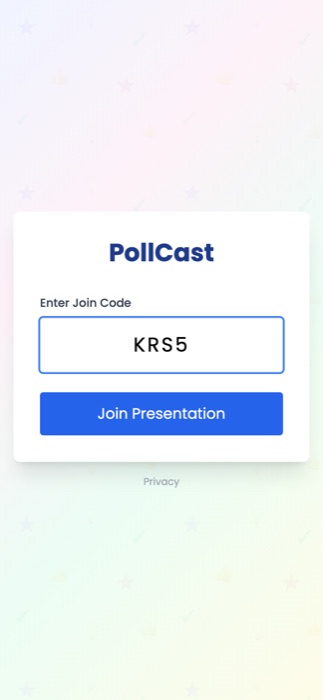
Join. Point your phone camera at the QR code on the big screen, or type the 4-character code into the box on this site.
The code never uses the letters I, L or O, or the digits 0 or 1, so if you think you see one of those it is really a 1 → 7, or an O → Q. If it will not go through, check the code with the presenter.
If you are too far back to scan the code, ask the presenter to enlarge it — they can fill the whole screen with it.
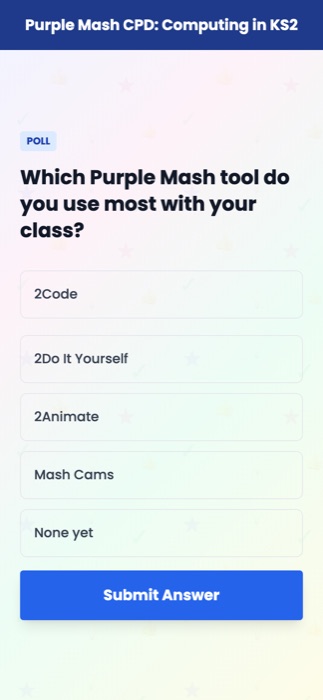
Answer. The presenter's current question appears on your phone. Tap an option, or tap a star rating, then press Submit Answer. On some sessions you may be asked to type a short answer instead.
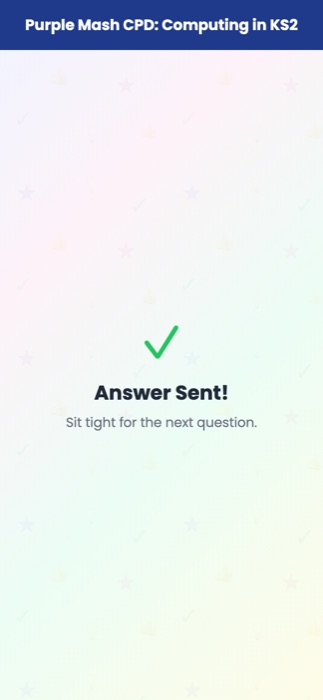
Wait. After you submit, your phone holds until the presenter moves on. The next question replaces this screen by itself — there is nothing to tap or refresh.
Results are not shown on your phone. They build up on the screen at the front of the room, so look up rather than down.
Tap the picture on a question to fill your screen with it, and tap again to go back. Useful when the detail is too small to read.
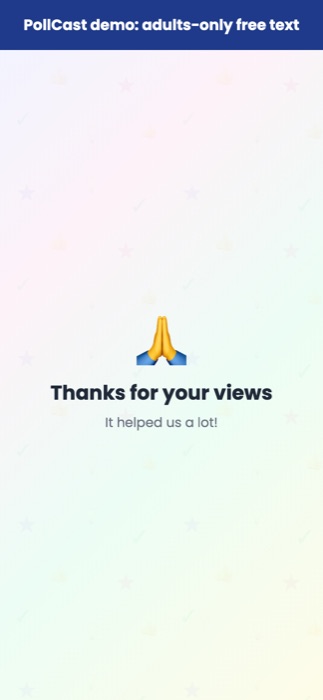
Done. When the presenter ends the session, your phone shows a closing screen. You can just close the tab.
What is collected about you
Nothing personal. You are never asked for a name, an email address or an account.
- No cookies are set on your phone.
- Your browser tab is given a random id, used only to stop the same tab voting twice on one question. It is not linked to you and is not kept.
- The page loads nothing from any other company — no trackers, no analytics, no third-party fonts.
- Answers are stored in the EEA and deleted automatically the same day. Only anonymous totals are kept afterwards.
The full detail is on the privacy page.
If something stops working
Reload the page. If your phone locks or loses signal for a moment, the screen can stop updating. Reloading, or scanning the QR code again, picks up wherever the presenter has got to. Nothing you have already submitted is lost.
Back to the join page